
A thought for today
One quote each day, credited to its author and source. Save favourites, shuffle when you need a different word, or add lines that matter to you.
For iPhone and iPad
A thought for today.
Something good ahead.
A calm, private place for one daily quote, the days you’re looking forward to, and the natural rhythm of the light.
Made for a quiet moment
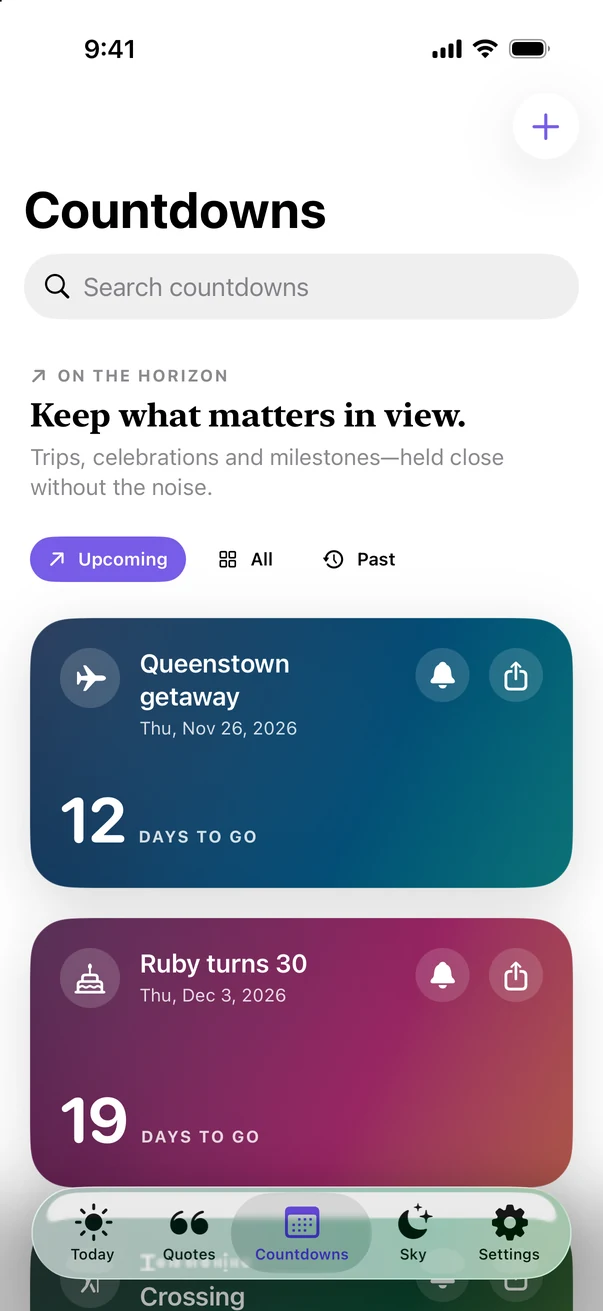
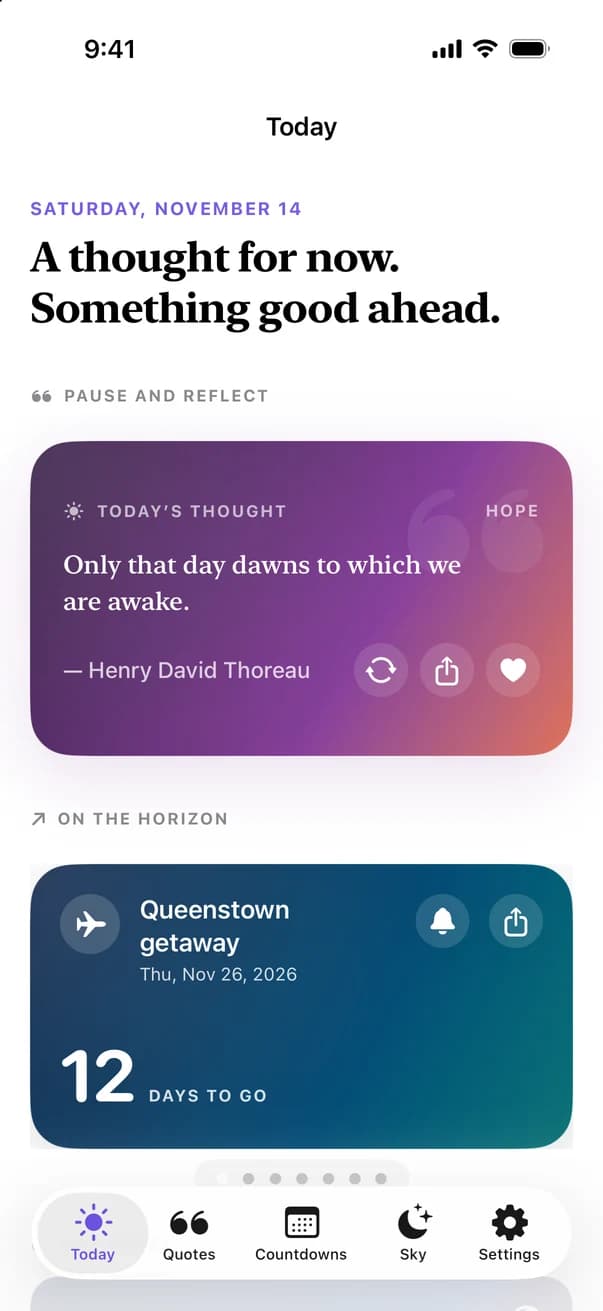
Dayward brings one thoughtful quote, your nearest milestone and a gentle view of the day’s light into one calm place. No feed, no streaks, nothing to keep up with.
What it does
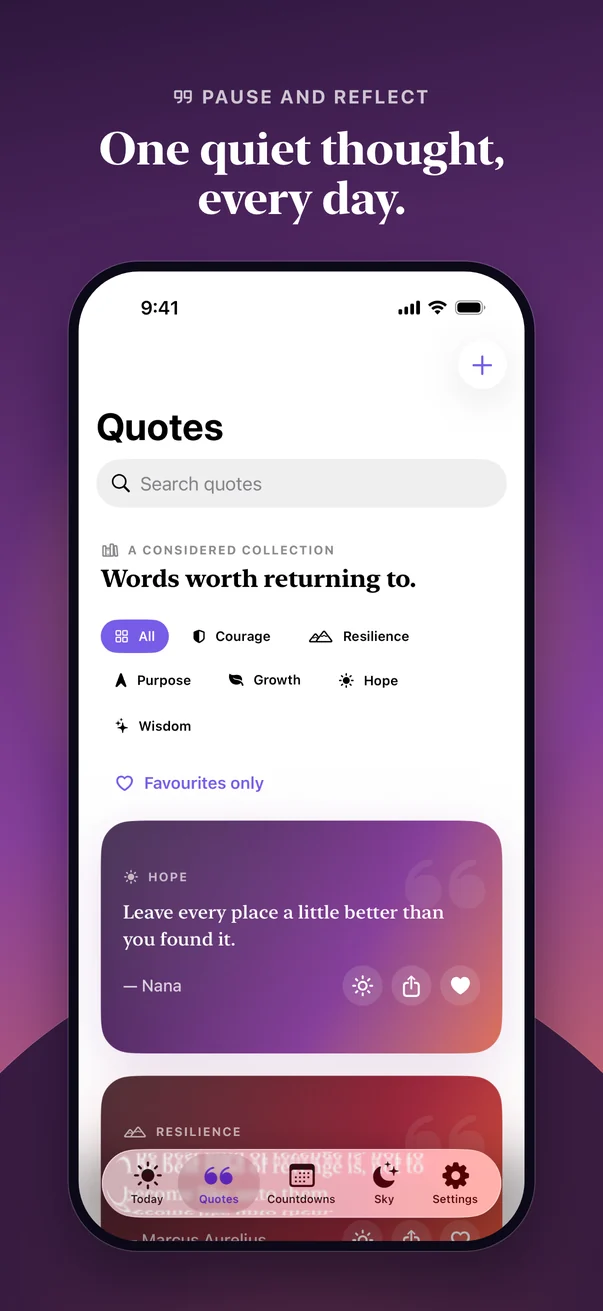
One quote each day, credited to its author and source. Save favourites, shuffle when you need a different word, or add lines that matter to you.
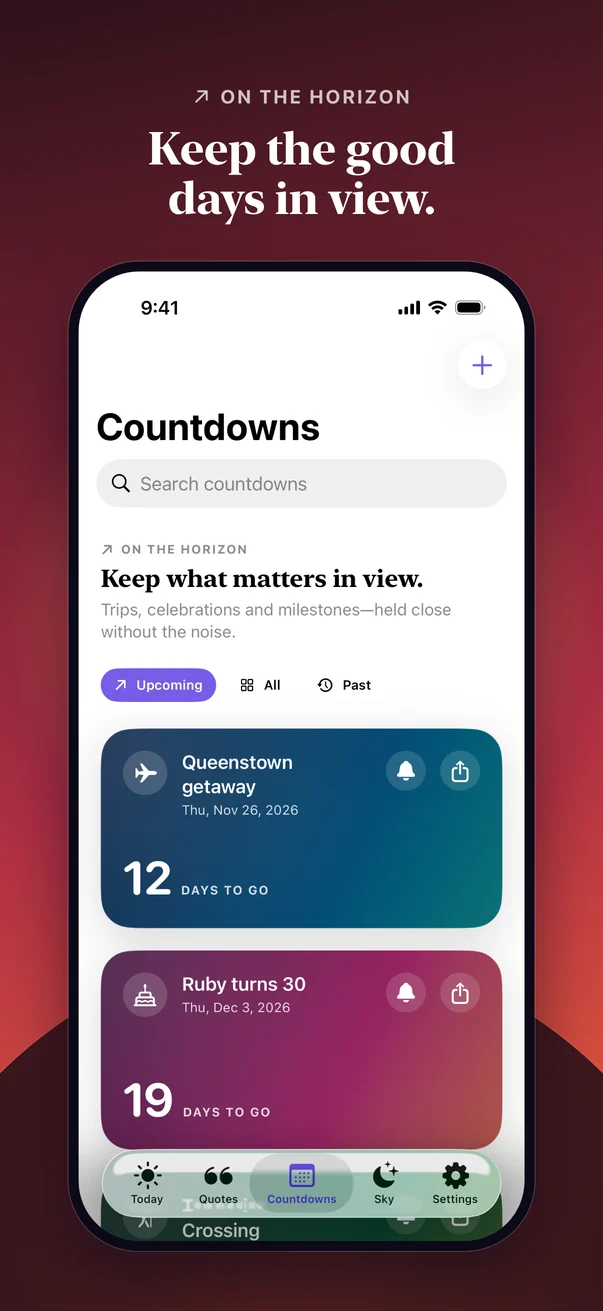
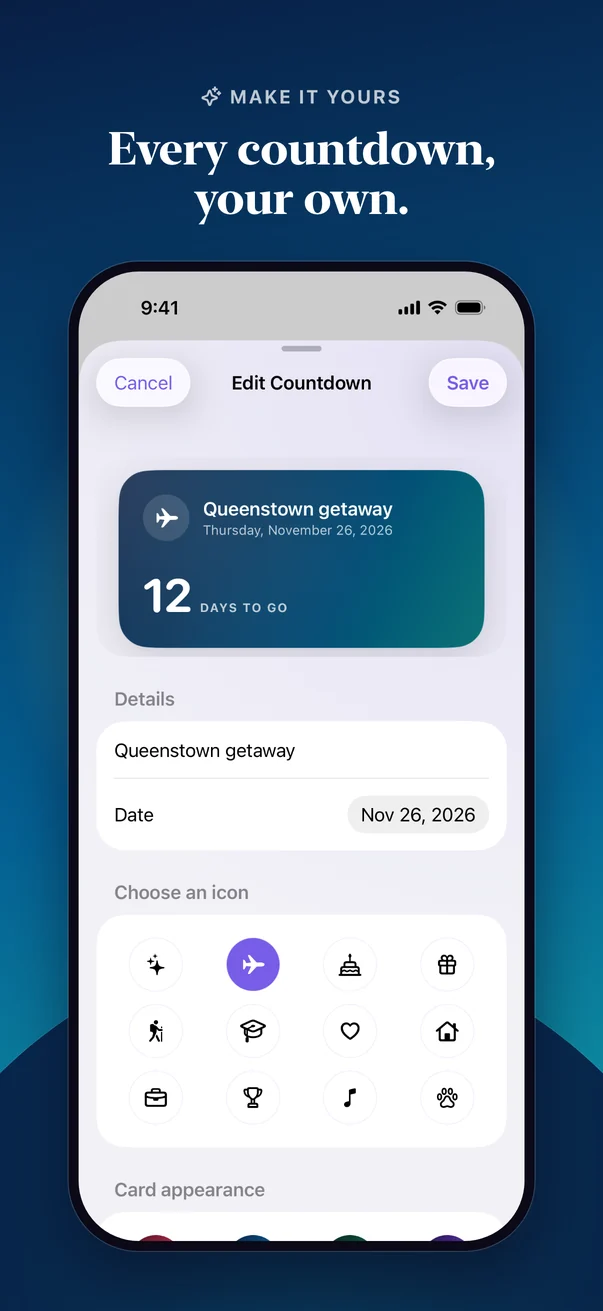
Count down to trips, birthdays and milestones in calendar days. Choose a symbol, a colour or a photo of your own.
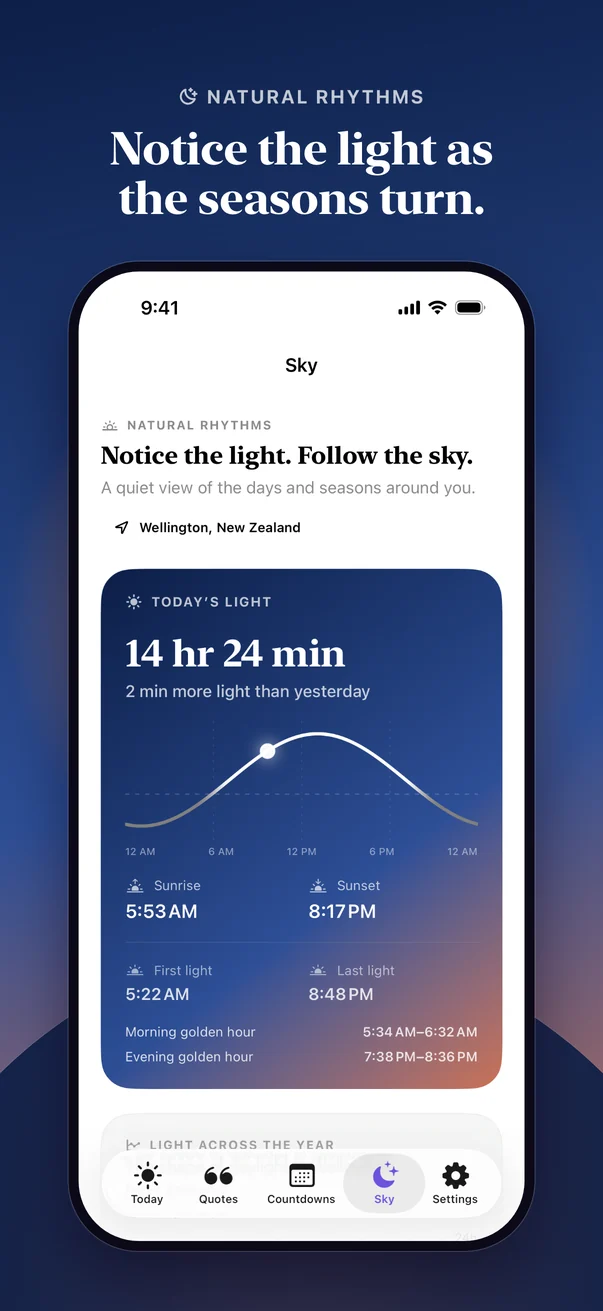
Daylight, sunrise and sunset, golden hour, moon phase and the turning seasons, calculated on your device for a place you choose.
Today’s thought, your next countdown, both together, or today’s sky on your Home Screen, plus a countdown for your Lock Screen.
An optional daily thought at a time you pick, and a nudge on the day, a day before, or a week before an event.
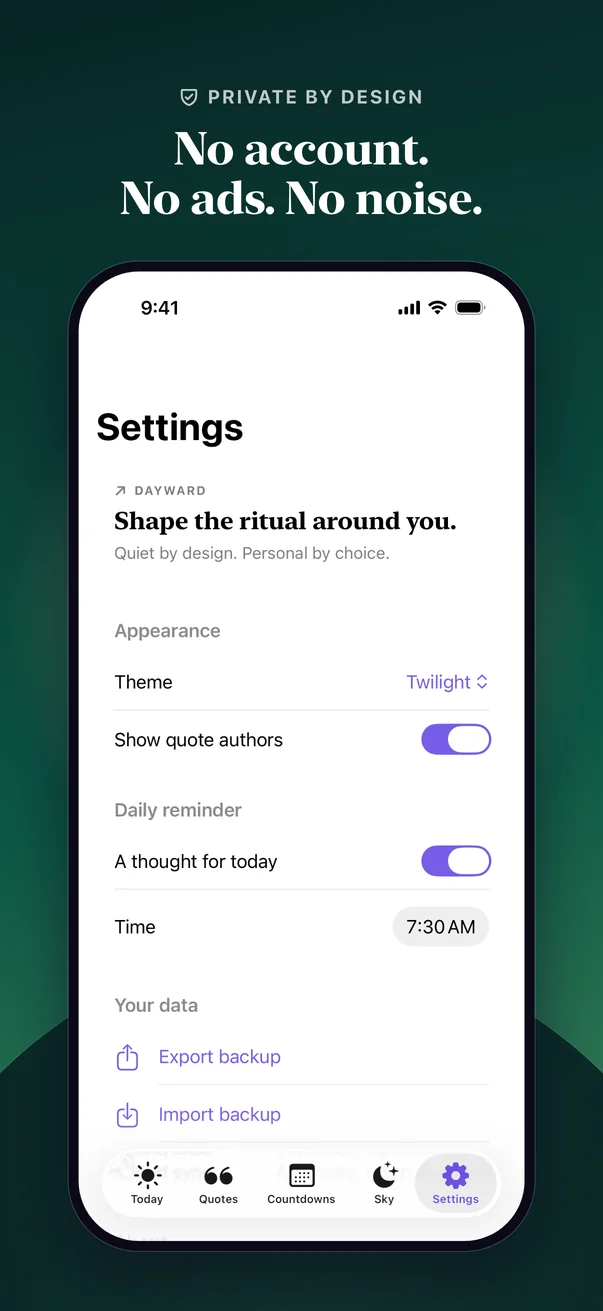
No account, ads, analytics or tracking. Countdowns and your own quotes sync through your private iCloud, never to a server of ours.
A look inside
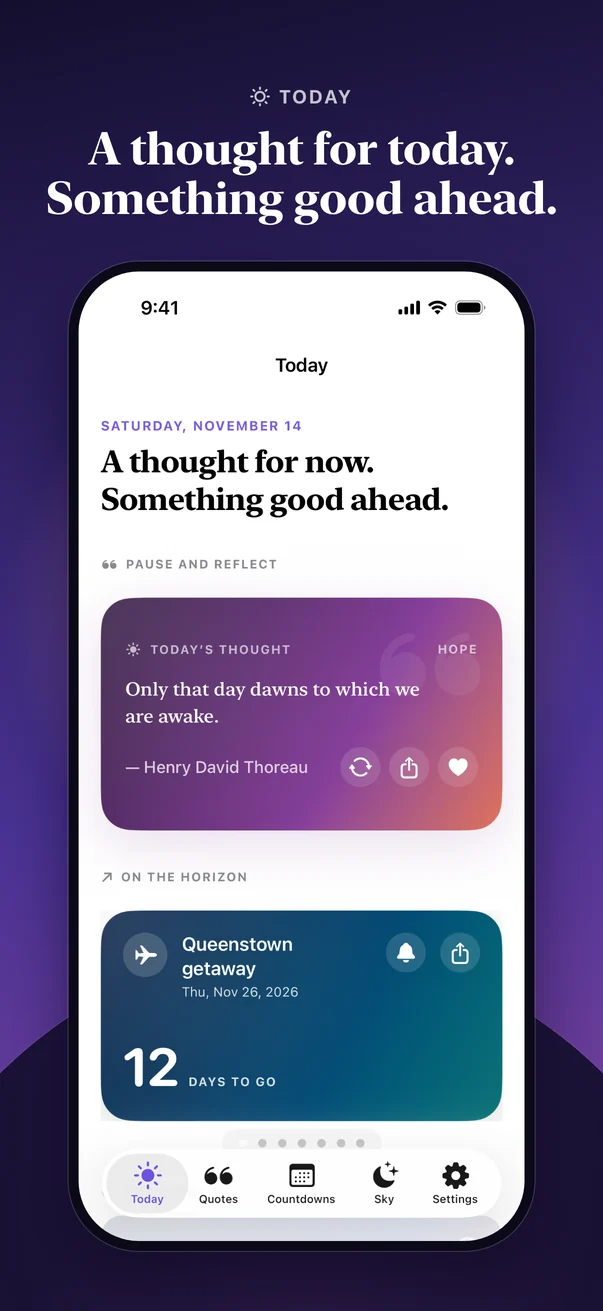
Six screens from Dayward on iPhone. The same app adapts to iPad with a sidebar and wider cards.
Support
Email admin@mstep.nz with your device, its iOS or iPadOS version, the Dayward version (Settings › About) and what happened.
Email Dayward supportTouch and hold an empty part of your Home Screen, tap Edit, then Add Widget, and search for Dayward. There are four: Daily thought (small or medium), Countdown (small, medium, or on the Lock Screen), Today and ahead (medium, your quote with the nearest countdown) and Today’s sky (small or medium).
Widgets count whole calendar days and refresh around midnight. Opening Dayward updates them straight away. If Today’s sky is empty, open Sky in Dayward once and choose a place.
Dayward only asks to send notifications when you turn a reminder on. Check Settings › Notifications › Dayward on your device. In Dayward, make sure the daily thought is on in Settings, or that the countdown has Remind me set. Countdown reminders arrive at 9 am on the day, a day before, or a week before, so a reminder date already in the past won’t fire.
Location is only used by Sky, and only if you choose Current Location. Dayward rounds it to about a kilometre before saving it, and works out sunrise, sunset, the moon and the seasons on your device. You can choose a place by name instead; that search uses Apple Maps. If you said no earlier, you can still pick a place, or change access in Settings › Privacy & Security › Location Services.
Countdowns (with their photos) and your own quotes sync through your private iCloud. Sign in to the same Apple Account on both devices and check that iCloud is allowed for Dayward in Settings › [your name] › iCloud. Changes can take a minute to appear.
Favourites, theme, reminders and your Sky place stay on each device. To move them too, use a backup.
In Dayward, open Settings › Your data › Export backup. The file includes your countdowns and their photos, your own quotes and your favourites. On the other device, choose Import backup; it adds to what’s there and updates matching items. Keep backups somewhere private.
Touch and hold a countdown or one of your own quotes, then tap Delete. Tap a heart again to remove a favourite, and turn a reminder off to cancel it.
Deleting the app removes everything Dayward stored on that device, including widget data. If iCloud sync was on, delete items in Dayward first, or remove Dayward’s data from Settings › [your name] › iCloud › Manage Account Storage when it’s listed. Dayward has no server copy to delete.
No. When you add a background photo to a countdown, you pick it in Apple’s photo picker, so Dayward never sees the rest of your library. If you share a quote or countdown as an image and choose Save Image, iOS asks once for permission to add it to Photos.
Around a hundred quotes from essays, letters, speeches and books, from Marcus Aurelius and Emerson to Tagore and Jane Austen. Each is credited to its author and source. You can add your own, too.
Dayward runs on iPhone and iPad with iOS or iPadOS 26.5 or later. It’s free, with no ads, subscriptions or in-app purchases.
Privacy